How to compress a video for Discord
Discord lets free accounts send files up to 20 MB, Nitro Basic 50 MB and Nitro up to 1 GB, and it checks the size before it compresses anything. To get a longer clip under 20 MB, re-encode it as H.264 at a bitrate that lands just below the limit. In my test, Crisp took a 38.6 MB two-minute clip to 18.5 MB at 960×720 in 46 seconds, with a VMAF score of 92.9.
Discord's limits, as of today
| Account | Largest file you can send |
|---|---|
| Free | 20 MB |
| Nitro Basic | 50 MB |
| Nitro | Up to 1 GB |
Read on Discord's File Attachments FAQ on 10 November 2026. The free limit went up from 10 MB in August 2026, so pages that still say 10 MB or 8 MB are out of date.
Sources: Discord, File Attachments FAQ · Prelinger Archives, Ivan Besse home movies
Three details on that page matter more than the number:
- The size counts before compression. Discord used to compress on mobile first and complain afterwards. Now desktop and mobile both check the file you pick, so the number you see is the one that counts.
- Android gets caught more often. Discord says phones on Android tend to make larger source files, so they hit the limit more often than before, even though the limit went up.
- Discord says it is experimenting with upload limits, and some accounts may be able to send more. If yours lets you send a bigger file, that's why.
Discord lists MP4 files encoded with H.264, HEVC or AV1. H.264 is the safe choice: it's the oldest of the three, and almost every phone and browser plays it.
How much video fits in 20 MB
A file's size is its length times its bitrate. Aim a little under the limit, because encoders overshoot. Crisp aims at 19 MB, which is 152 megabits, and gives the sound 64 kbps. Here's what's left for the picture:
| Length | Bitrate left for the picture |
|---|---|
| 30 seconds | about 5,000 kbps |
| 1 minute | about 2,470 kbps |
| 2 minutes | about 1,200 kbps |
| 3 minutes | about 780 kbps |
| 5 minutes | about 440 kbps |
| 10 minutes | about 190 kbps |
The arithmetic: 152,000 kilobits divided by the length in seconds, minus 64 for the sound. At two minutes, my test landed at 960×720. The longer the clip, the smaller the picture has to be, and past about fifteen minutes it doesn't fit at all: Crisp's floor is 100 kbps, the least it gives a 360p picture.
What I measured
On 10 November 2026 I ran Crisp 1.0.1990, installed on my Mac Studio (M1 Ultra, macOS 26.3.1), on three clips from Ivan Besse's 1938 home movie, a public-domain reel from the Prelinger Archives. Each time I asked for "under 20 MB for Discord".
| The clip | What Crisp did |
|---|---|
| 2 minutes, 38.6 MB, 2560×1920 HEVC (the reel after Crisp's 4x Enhance) | Saved an 18.5 MB H.264 file at 960×720 in 46 seconds. It tried a larger picture first, got 19.35 MB, which was over its 19 MB aim, and stepped down. |
| 2 minutes, 11.6 MB, 640×480 | Did nothing, and said why |
| 19 minutes 9 seconds, 51.3 MB, 640×480 | Did nothing, and said how to split it |
To check the quality of the 18.5 MB file, I scored it against the original scaled to the same 960×720 with VMAF, a 0 to 100 score built to track what people see. It averaged 92.9, and the worst frame scored 80.4.
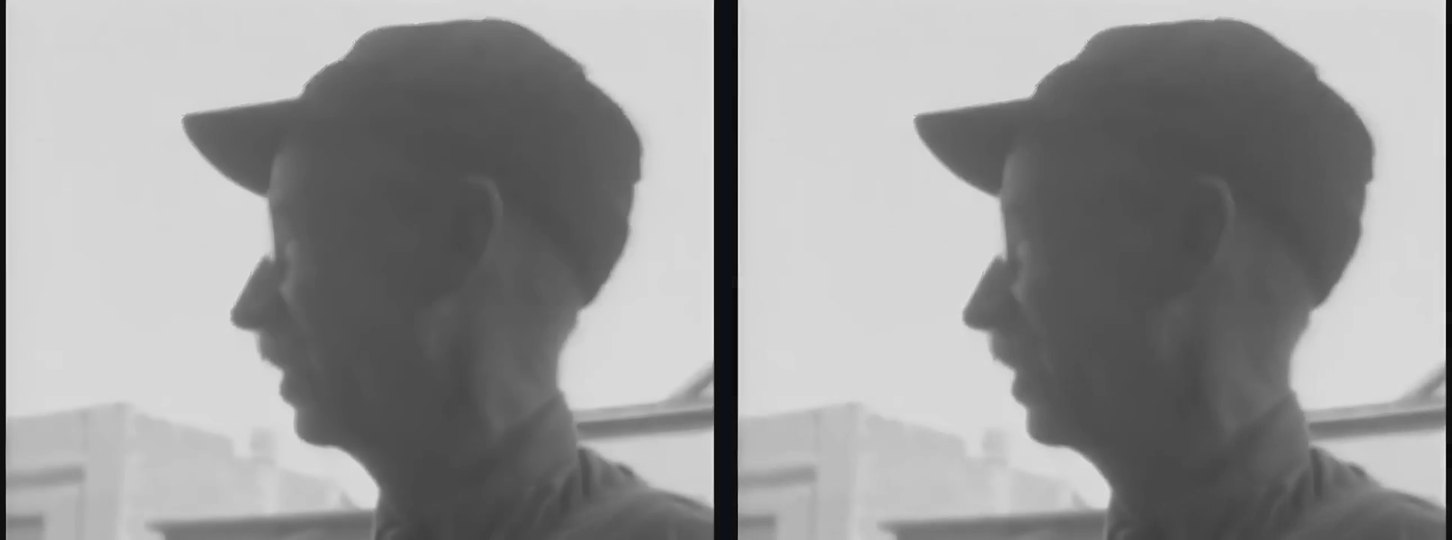
The two refusals are the part I like best, so here they are word for word. For the clip already under the limit:
"This video is already 11.6 MB, under the 20 MB limit, so it can be sent as it is."
For the 19-minute clip:
"19 minutes 9 seconds of video in 20 MB leaves 68 kbps for the picture once the sound takes its 64 kbps, below the 100 kbps that 360p needs. Crisp aims at 19 MB to stay under it. Split it into 2 parts of about 9 minutes 35 seconds each, or share a link."
Crisp never saves a file over the size you asked for. It either fits it, or tells you why it can't.
My copy is Crisp Pro. On the free copy, Fit a size works the same and isn't capped, but the export carries a small "crispvideo.app" mark.
Step by step
- Open the video in Crisp, on a Mac or a Windows PC.
- Type what you want: "under 20 MB for Discord". Or use the Fit a size control in the Compress panel. If you have Nitro Basic, ask for 50 MB instead.
- Check the card. Crisp shows what it will do before it starts: "Fit to 20 MB with H.264, aimed at 19 MB to stay under Discord's 20 MB".
- Export. Crisp tries a picture size, checks the result, and steps down if it lands over the aim.
- Drag the file into Discord. It's an H.264 MP4, a format Discord lists.
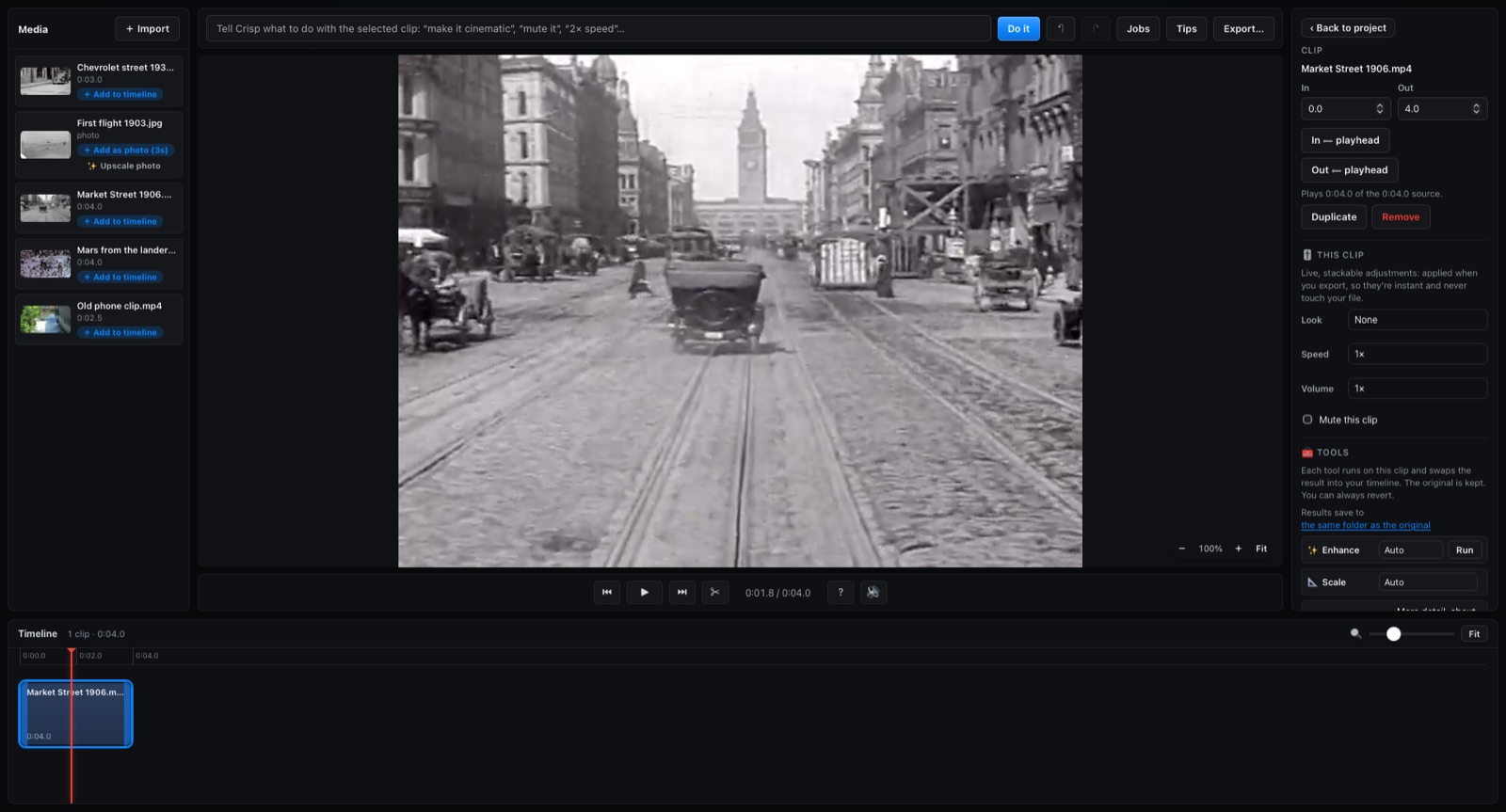
Everything runs on your computer. The video isn't uploaded anywhere, which matters for clips of family or friends.
If you enhanced the clip first, as I did, fit it to size last. An upscale makes the file much bigger: Crisp's 4x Enhance turned the 11.6 MB clip into the 38.6 MB one. Discord only cares about the final size.
The online compressors, read today
I read the top results for "discord video compressor" on Bing on 10 November 2026.
| Page | What it says the free limit is | Where your video goes |
|---|---|---|
| VEED | 10 MB, and 500 MB for Nitro | Uploaded to VEED |
| Flixier | 10 MB | Stays in your browser, it says |
| SqueezeVid | 20 MB, and up to 500 MB for Nitro | Your browser, or its servers if you choose |
Each was checked on the company's own page on 10 November 2026. All three state at least one limit Discord no longer uses: the free limit is 20 MB and Nitro goes up to 1 GB.
What they do better: there's nothing to install, and they work on a phone. For one short clip, that's hard to beat. Crisp is for when you do this often, when the clip is private, or when you've just cleaned up an old video and need it small enough to share.
Ask Claude instead
Crisp's free tools for Claude know Discord's limits too. Asked to fit a video for Discord, they answer with the 20 MB, 50 MB and 1 GB limits and the date they were last checked. Use Crisp's free video tools in Claude shows how to add them.
FAQ
What is Discord's file size limit in 2026?
20 MB a file on a free account, since August 2026. Nitro Basic allows 50 MB and Nitro up to 1 GB. Discord says it is experimenting with limits, so some accounts may see more.
Does Discord check the size before or after it compresses?
Before. Discord now checks the file you pick on both desktop and mobile, so a file over 20 MB is refused on a free account, wherever you send it from.
How long a video can I send on Discord for free?
It depends on the picture size. In my test a two-minute clip fitted in 20 MB at 960×720. Longer clips need a smaller picture, and past about fifteen minutes even 360p doesn't fit, so split it or send a link.
What video format works best on Discord?
An MP4 encoded with H.264. Discord lists H.264, HEVC and AV1, and H.264 is the one almost every phone and browser plays.
Can I compress a video for Discord without uploading it?
Yes. A desktop app such as Crisp does it on your own computer, and some browser tools say they keep the file in the browser. Read each tool's page before you trust it with a private clip.