Real output
Measured, not claimed.
Where these clips came from, what they scored, and a
second example that flatters us — labelled as such.
The hard case. Source: Chevrolet
Leader News (Vol. 2, No. 3, 1936) — the crowd at an open-air boxing
match, not the fight — from the Prelinger Archives at the Internet Archive under a
Creative Commons public-domain dedication. This is a real archival scan at 640×480,
not a clean file we degraded on purpose: it is soft and grainy because 1936 film digitised
decades later is soft and grainy. The clip above is that film run through
Max, the generative restore, on Apple Silicon — a restore rather than
an upscale, so both sides of the slider are the same size and only the detail differs.
One thing had to happen first, and it is the most useful thing on this page if you have
old footage of your own: the scan is telecined. It is 24fps film spread
across 30fps video, so a third of its frames are two film frames woven together. Restore
that as-is and you get the weave reconstructed in high fidelity — we did, the first
time, and threw away fifty minutes of compute. fieldmatch,decimate puts the
film frames back together first. How to tell, and
how to fix it →
Then Max works a frame at a time and it is not free: this 90-frame restore took
45.4 minutes at 1280×960 — 30.3 seconds a frame — for
3.75 seconds of film at 23.976fps. The free Enhance lane upscales the same clip
4× to 2560×1920 in 13.0 seconds, which is 209 times faster and the reason
Enhance is the default.
Look at the young man's shirt on the right: in the scan the collar and the button placket
are one grey smear, and Max resolves them into an edge with separate buttons. The same
happens to the placket and stud on the white polo in the middle of frame.
And the part that flatters us, said plainly: Max removes the grain
completely, and skin and hair come back smoother than the film ever recorded — those
strands are the model filling in, not detail recovered from the negative. Believe the
collar; do not believe the hair. Both clips play unedited at the same size, from the same
two and a half seconds, and both were compressed for the web with identical settings, so
neither side is flattered. On a Retina display you are watching the full 2560-wide file.
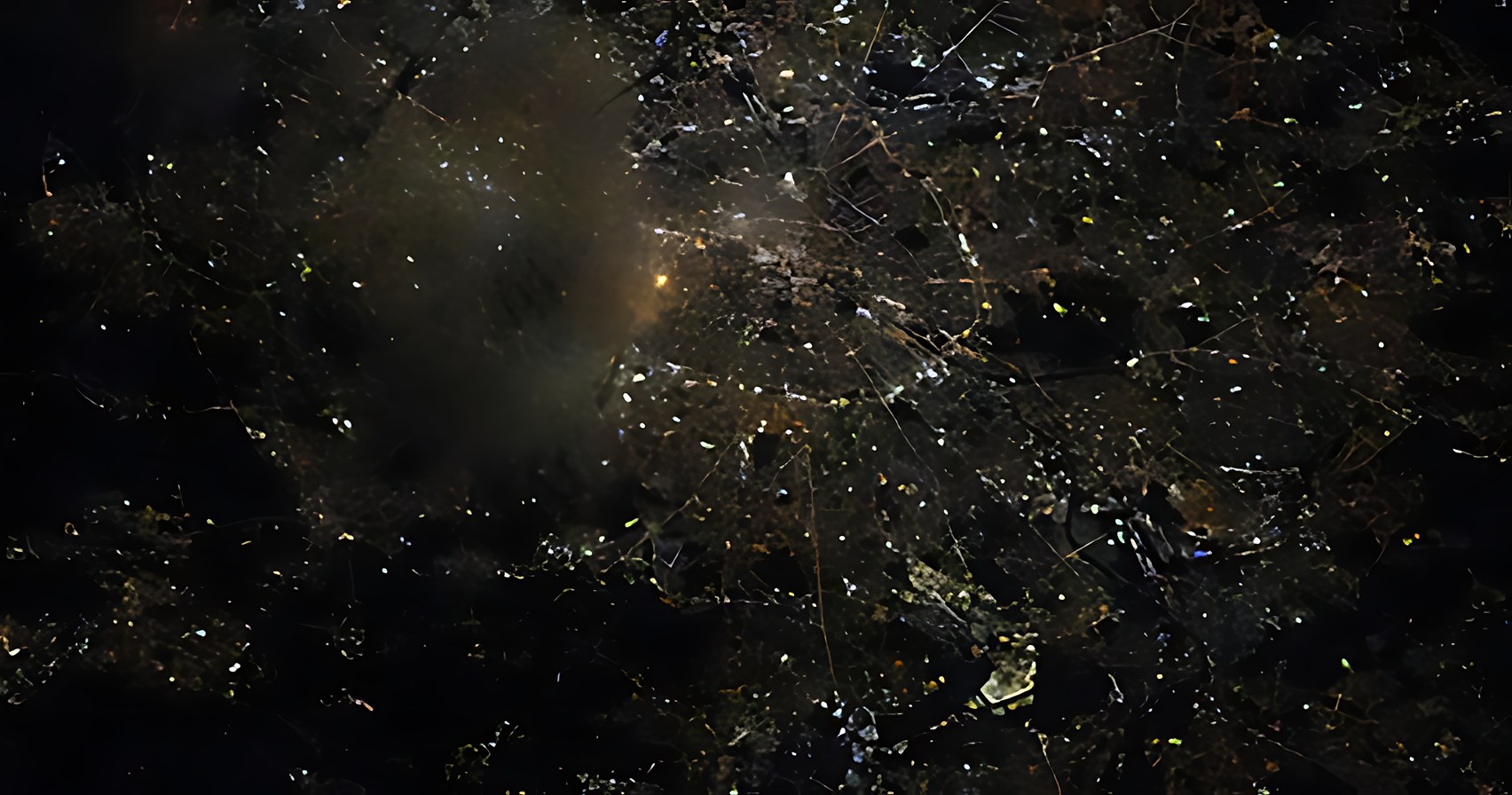
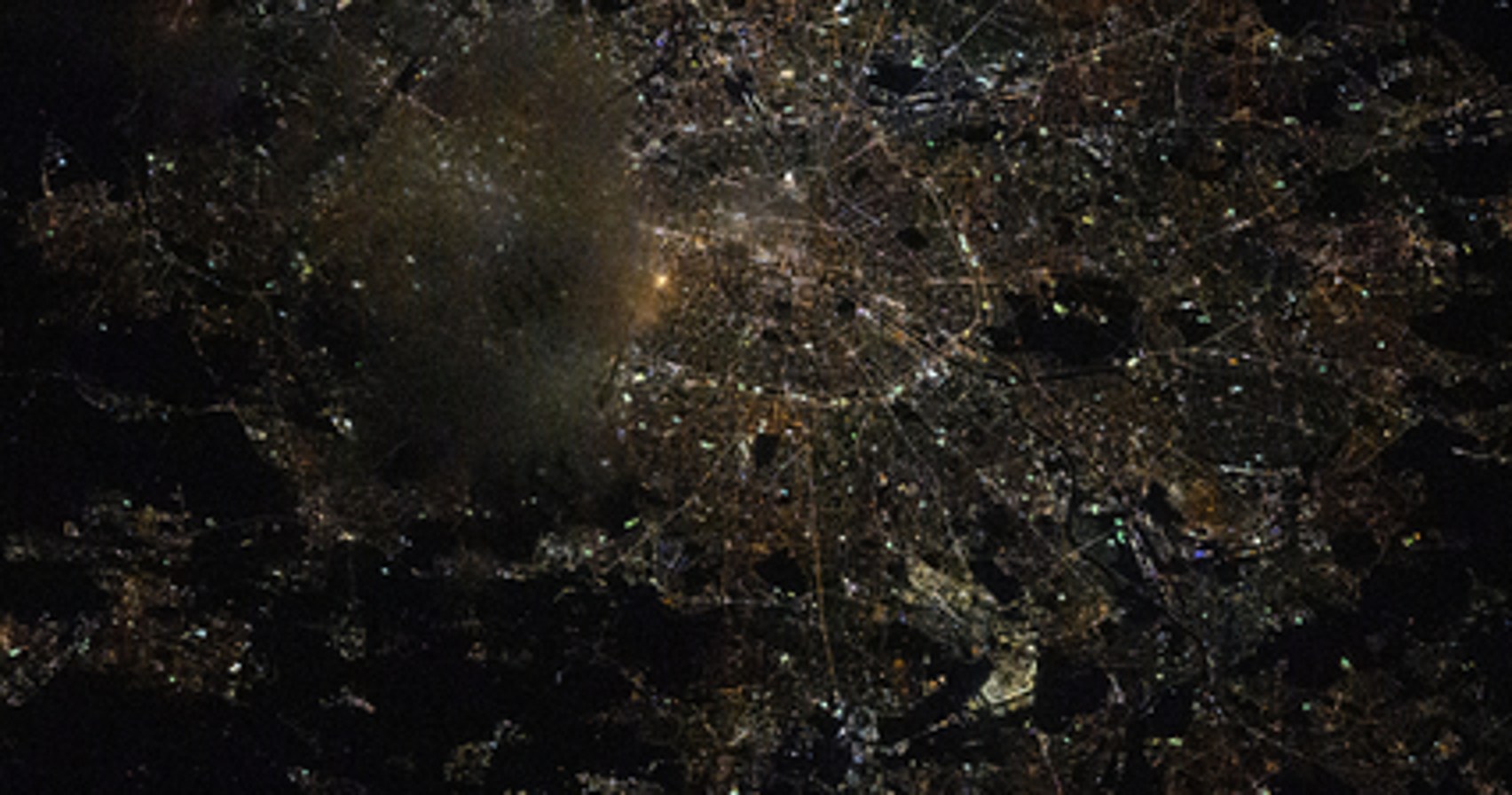
The easy case, and we will say why. A city at night from the International Space Station, NASA, public domain. Unlike the clip above, this one was degraded on purpose: a sharp original reduced to 426×224 to stand in for low-resolution footage, then upscaled 16× to 6816×3584 and shown here at 1704×896. That is a much kinder test than real archival film — the detail was genuinely there to begin with — and against a plain resize to the same delivered size it scores 3.42× the fine detail, where the archival clip above manages 1.50×. Both are shown because one without the other tells you half the truth: this is what Crisp does when the source cooperates, and the clip above is what it does when the source does not.
The case most people actually have — and we made this one on
purpose. Everything above is real footage. This is not: a sharp CC0 clip
(Die Ewige Welle und Surfers in Augsburg, Wikimedia Commons, public-domain
dedication) was deliberately reduced to what a mid-2000s camera phone recorded —
cropped to 4:3, 176×144, 15fps, H.263 at 64 kbps — and then restored, all 38 frames of it. We say
so because the number is the best on this page and you should know why: against a plain
upscale to the same size it holds 1.93× the fine detail, where the
1936 archival clip manages 1.50× and the 1950s one 1.23×. A badly compressed
source has more to give back than a decent scan does. If your old phone videos and photos
look like the left half, that is the gap Max is closing — but the honest version of
this claim is that we chose the damage, and real damage is rarely so tidy.
Past 4×, and who it is for. The upscaling networks are
trained at 2×, 3× and 4×, so anything larger has to be a chain of real
passes rather than one bigger number: 8× is a 4× pass followed by a 2×
pass, and 16× is 4× twice. Each pass gets the network built for it, which is why
8× is not simply 16× stopped early. On the same 160×120 crop, 4× takes
0.6 seconds, 8× takes 1.0, and 16× takes 1.5.
Side by side, 4×, 8× and 16× of the same crop look nearly
identical, so there is no panel of them here. The extra passes buy pixel dimensions, not
visibly more detail — 16× is for when you need the size, and past 8× the
picture stops changing much.
These are for small sources, and Crisp will tell you so.
The big multipliers exist for the footage that needs them: tape captures, old camcorder
files, 480p archive scans. A 640×480 clip at 16× is a 10240×7680 file and
encodes fine. A 1080p clip at 8× would be 15360×8640, which is past what the Mac
video encoder will write at all — so Crisp greys those out against the clip you
actually loaded and shows the finished size next to the picker, rather than letting you find
out after the render.