How to convert VHS to digital on a Mac
Play the tape in a working VCR, run its S-Video or yellow composite output into a USB capture device that works with macOS, and record it on your Mac in real time. A 2-hour tape takes 2 hours. In my test, the Elgato's Mac setting (640×480 at 1.4 Mbit/s) scored 93.3 VMAF against 94.5 for a full 720×480 capture at 10 Mbit/s, at a seventh of the file size. So spend your care on the VCR, then clean the file up after.
What you need
| Thing | What to look for |
|---|---|
| A VCR that works | One that plays without rolling lines. An S-Video output is a plus. Test it on a tape you don't care about first. |
| A USB capture device | One whose maker says it works on a Mac. Composite and S-Video inputs, plus red and white audio. |
| Cables | The yellow composite cable or an S-Video cable, and the red and white audio pair. Most capture devices include them. |
| A USB port | A USB-C adapter on newer Macs. |
| Recording software | QuickTime Player is already on your Mac. OBS Studio is free (checked on obsproject.com, 9 November 2026). Some devices have their own app. |
| Disk space | About 0.6 GB to 4.4 GB per hour of tape, depending on the setting (measured below). |
The capture is the only step with a deadline. Tapes lose their magnetic coating over the years, and nobody makes VCRs anymore. Capture everything first, at the best quality you can manage. The cleanup can wait for a quiet weekend; the tape can't. I wrote more about that in why VHS tapes degrade.
Three ways to do it, and what each costs
Prices below were read on each company's own page on 9 November 2026.
| Route | Cost | Time | Good for |
|---|---|---|---|
| Your own USB capture device | Elgato Video Capture: $89.99, shown as sold out on elgato.com on 9 November. Elgato lists macOS 11.3 as its oldest supported version. | Real time, plus setup | 6 tapes or more, or tapes you'd rather not mail |
| Mail-in service: iMemories | $29.99 per tape, or $14.99 with its SAVE50 code. Its shipping kit is $14.99. Back about 2 weeks after they receive it, originals returned, digital downloads. | About 2 weeks | A few tapes, no VCR at home |
| Mail-in service: Capture | $19.99 per tape in SD, $29.99 in Full HD, $39.99 in 4K, any length | Not stated on the page I read | A few tapes, no VCR at home |
| Your public library | Free where offered. Many libraries lend a capture kit or have a digitizing station. Ask yours. | Real time | Trying it once before you buy anything |
The break-even is simple. At iMemories' $14.99 a tape, six tapes cost as much as the $89.99 Elgato. Under six, a service is cheaper and easier. Over six, doing it yourself wins, if you have a working VCR.
A note on the "4K" and "HD" tiers: VHS holds about 240 lines of detail across the picture, well under a 720×480 file. A 4K transfer is the same tape, upscaled. You can do that step yourself afterwards, with control over how far to go (more on that below).
Legacybox's page refused my reader on 9 November, so I haven't quoted its price here.
Step by step on a Mac
- Clean and test the VCR. Play a tape you don't care about for a few minutes. If the picture rolls or shows lines, try the VCR's tracking control.
- Connect the VCR to the capture device. Use S-Video if both ends have it; it keeps the colour and brightness apart and looks a little cleaner. Otherwise use the yellow composite plug. Add the red and white audio plugs either way.
- Plug the capture device into your Mac. Use an adapter if your Mac only has USB-C.
- Open your recording app. In QuickTime Player, choose File, then New Movie Recording, then pick the capture device as both the camera and the microphone from the menu beside the record button. Diamond's Mac instructions for its VC500 describe exactly this, with no driver to install. The Elgato uses its own app.
- Record 60 seconds as a test. Watch for audio that is too loud or too quiet, and for picture tearing at the bottom edge.
- Record the whole tape. It plays in real time, so start it and do something else. Stop at the end of the tape, not the end of the programme, so nothing gets cut.
- Name the file and back it up. Name it now ("1994 Thanksgiving, tape 3") while you still remember. Keep two copies on two different drives.
What I measured: does the capture setting matter?
The Elgato's own page says its Mac software records 640×480 H.264 at 1.4 Mbit/s. That sounds low next to the tape's 720×480 frame, so I measured what it costs.
How I tested it, on 9 November 2026. I took the 15-second Apollo clip already on this site (public domain, NASA), scaled it to 720×480 and stored it losslessly as the reference: a stand-in for a perfect capture. Then I encoded it three ways with x264 in ffmpeg 8.1.2 on my M1 Ultra Mac Studio and scored each against the reference with VMAF (0 to 100, a score built to track what people see) and PSNR. Real tape is noisy, and noise costs bits, so I ran it again with tape-like grain added to the reference.
| Capture setting | Size per hour of tape | VMAF, clean clip | VMAF, with tape grain |
|---|---|---|---|
| 720×480, H.264 at 10 Mbit/s | 4.4 GB | 94.5 | 88.9 |
| 720×480, H.264 at 5 Mbit/s | 2.2 GB | 94.2 | 87.9 |
| 640×480, H.264 at 1.4 Mbit/s (Elgato's Mac setting) | 0.6 GB | 93.3 | 86.8 |
The smallest setting gave up 1.2 VMAF points on the clean clip and 2.1 with grain, for a seventh of the disk space. PSNR told the same story: 48.5 dB against 46.6 dB on the clean clip.
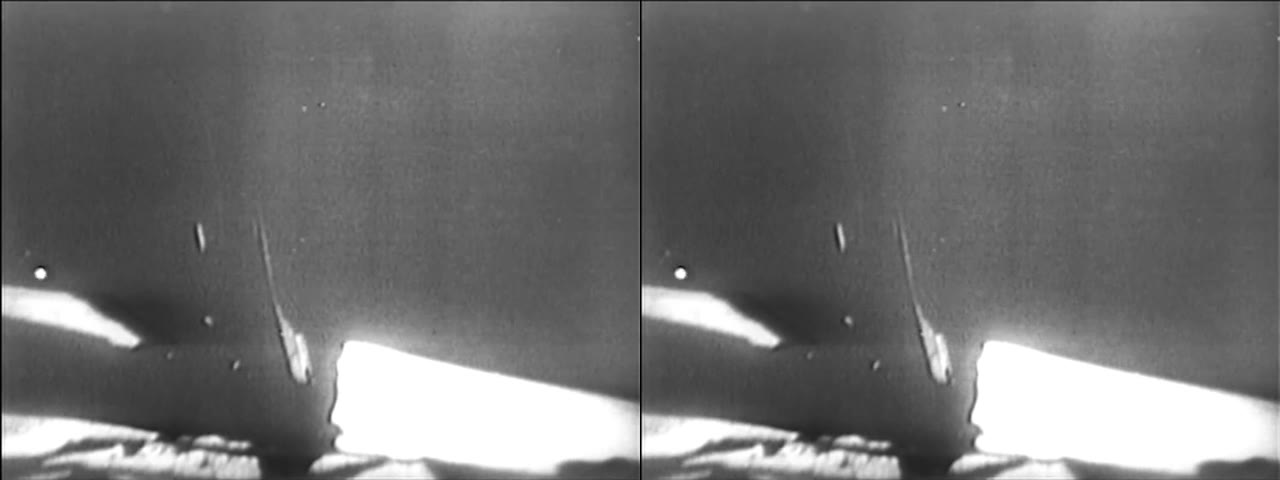
Three things to keep in mind. This is one clip. It is a digital file standing in for a tape, so it measures what the recording setting throws away, not the tape itself. And x264 is probably a better encoder than the one built into a capture device at the same bitrate, so the 1.4 Mbit/s row is a best case.
What I take from it: the capture box matters less than the reviews suggest, because VHS has so little detail to lose. The VCR, the cable and the tracking matter more. If you have the disk space, still pick the bigger setting where your software offers one. You only capture a tape once, and the bigger setting won both tests.
MiniDV and Digital8 tapes need FireWire, and macOS 26 dropped it
Digital camcorder tapes (MiniDV, Digital8) copy over FireWire, not a USB capture device. macOS 26 Tahoe removed FireWire support, as TidBITS reported on 19 September 2025, and adapters don't bring it back. If you have these tapes, use a Mac still on macOS 15, an older Windows PC with FireWire, or a mail-in service. Analog tapes (VHS, VHS-C, Video8, Hi8) through a USB capture device are not affected.
After the capture: clean it up in the right order
A raw tape capture looks worse on a modern screen than you remember. There are comb lines on anything that moves, coarse noise in dark areas, and a soft 480-line picture on a big display. Fix it in this order:
- Deinterlace. Tape is recorded as two half-frames a sixtieth of a second apart. Every later step mistakes the comb lines for detail, so this goes first. My deinterlace guide shows it on a real clip.
- Denoise. Before any resizing, or the upscaler turns tape noise into permanent texture. See how to remove noise from video.
- Upscale. 1080p is a realistic target for VHS. At 4K, a model invents most of the picture, and faces show it first.
- Colour last. Old tape drifts warm and pale. A white balance is usually enough.
Crisp does the first three in that order on its own when you choose Enhance. It reads the frames, not the file's label, to decide whether the footage is interlaced, looks past the blue or black leader at the start of a tape when it checks, and rebuilds whole frames from the fields before it upscales. When it does, the app says so: "This footage is interlaced. Crisp rebuilt whole frames from the fields before enhancing, because an upscaler treats comb lines as detail worth sharpening." Everything runs on your Mac or PC. Nothing is uploaded, which matters for family footage.
Use Enhance, not Max, on a raw capture. Max, the slow generative restore in Pro, does not run that deinterlace step, so a combed tape should go through Enhance first.
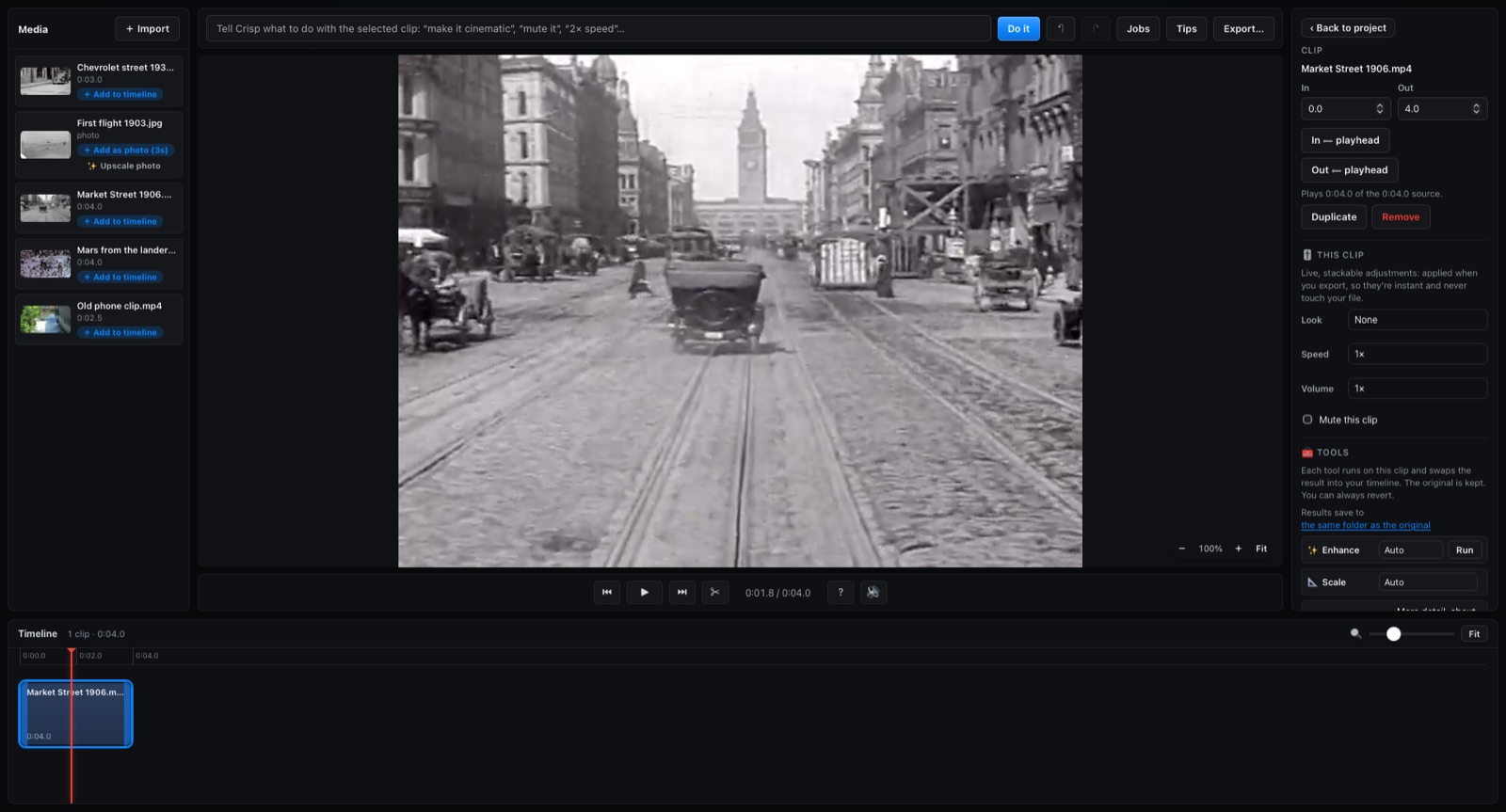
The free copy of Crisp exports the first 15 seconds of any AI clean-up, so you can see the result on your own tape before you pay anything. Free vs Pro has the full list.
Some things no software fixes. Tracking lines and dropouts mean the signal was never read: capture that part again after adjusting tracking on the VCR. A shot that was out of focus stays soft. A window that was blown to pure white has nothing under it.
Before the holidays
If the tapes are in a box at your parents' house, Thanksgiving is a good weekend to capture them. Start the first tape running before dinner. Once the files are safe, a short reel of the best minutes plays well on a TV after dessert; my highlight reel guide shows how, and Restore old home videos covers the whole family-archive job.
FAQ
How long does it take to convert a VHS tape to digital?
As long as the tape plays. Capture runs in real time, so a 2-hour tape takes 2 hours, plus a few minutes of setup. A mail-in service took about 2 weeks at iMemories, from when they receive the box.
Can I convert VHS to digital without a VCR?
No. Every route plays the tape in a VCR, including mail-in services, which use their own. If you don't have one, a service or your library is the easier choice.
Do I need drivers to capture video on a Mac?
Often not. Diamond's Mac instructions for its VC500 record straight into QuickTime Player with nothing to install. The Elgato Video Capture uses its own app, and Elgato says it needs macOS 11.3 or newer. Check the maker's Mac page before you buy.
What resolution should I capture VHS at?
Capture at the tape's own size or close to it: 720×480 for US (NTSC) tapes, 720×576 for PAL. In my test a 640×480 capture lost only 1.2 VMAF points. Upscale afterwards, not during the capture.