Is Crisp free?
Yes. Crisp is free to use on a Mac or a Windows PC, with no sign-up and no trial clock. The free copy has two limits. AI upscaling, restoring and colour exports stop at 15 seconds, and video and GIF exports carry a small “Made with Crisp” mark. Everything else runs at full length, and photos are never marked. Pro is $29 once ($14.50 through November) and removes both limits.
Free and Pro, line by line
| Free | Pro | |
|---|---|---|
| Price | $0 | $29 once, no subscription. $14.50 through November with the code FOUNDINGCRISP, which the Buy button applies. |
| Editing: trim, crop, speed, captions, the timeline | Full length | Full length |
| Convert, compress, mute, loop, GIF | Full length | Full length |
| AI upscaling, restoring, colour looks | The first 15 seconds of each export | The whole clip |
| The “Made with Crisp” mark | On video and GIF exports, small, in a bottom corner | None |
| Photos: upscale and clean up | Full size, no mark | Full size, no mark |
| Max, the slow generative restore | Not included | Included on a Mac |
| Batch: many files in one go | Not included | Included |
| Computers | Any you install it on | Up to 3 at a time, Mac or Windows |
| Internet | Not needed to edit or export | Once, to activate; offline after that |
| Refund | Nothing to refund | 30 days, no reason needed |
What the 15 seconds means in practice
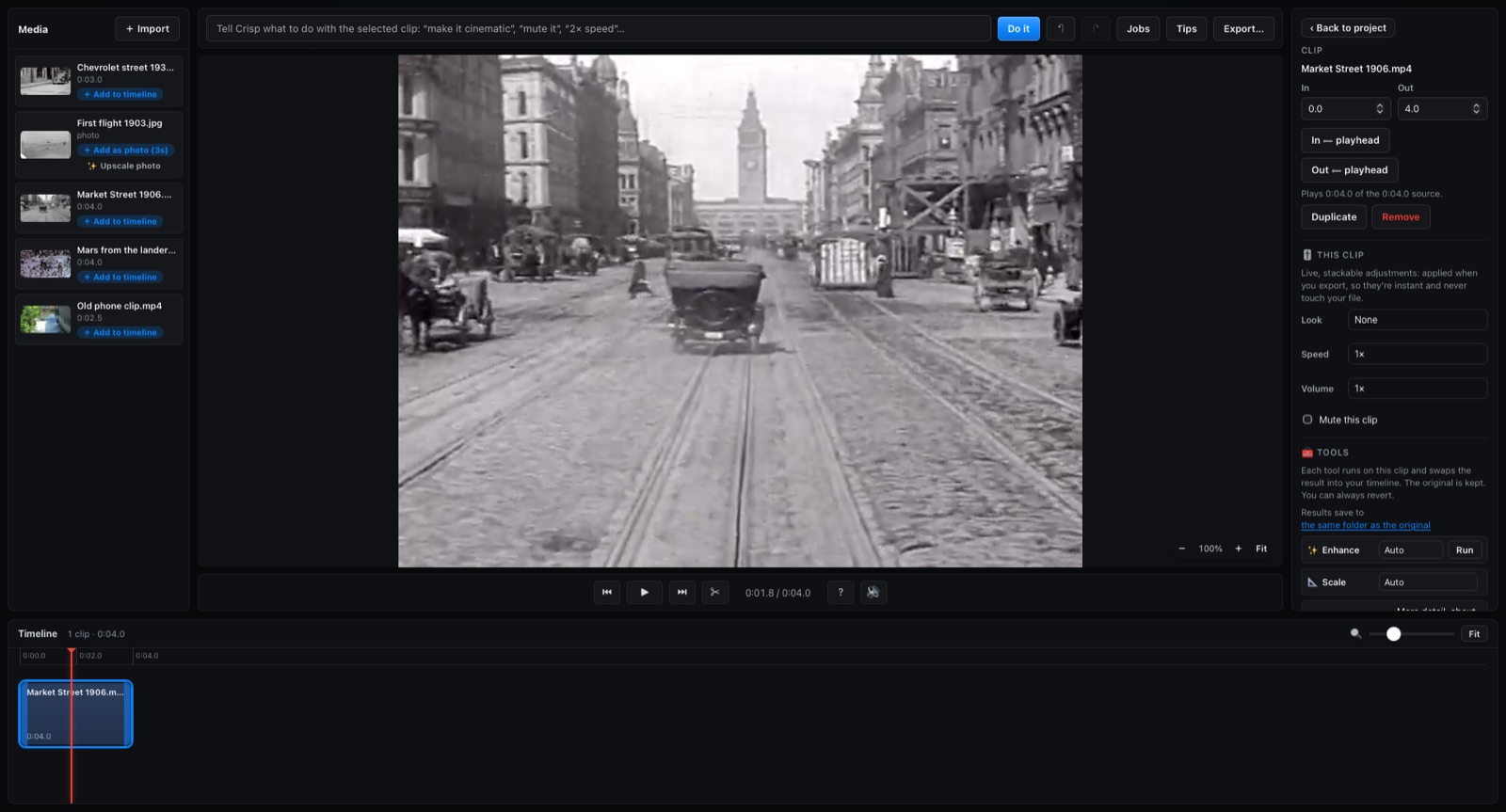
The limit is per export, not per day. Upscale a 2-minute clip on the free copy and you get its first 15 seconds back, enlarged, with the mark, and the app tells you what was cut. Before / After shows the same moment, so you can judge the result on your own footage before you pay anything.
To spend the 15 seconds on the part you care about, trim the clip to it first, then run Enhance on it. Anything that is not AI work, such as converting a MOV to MP4 or compressing a file to email it, runs at full length with no limit.
What Pro adds besides removing the limits
Max. A generative restore for old, soft footage, on Macs only. It is slow on purpose: on my M1 Ultra Mac Studio it took about 31 seconds a frame, so a 4-second clip takes most of an hour.
Batch. Run the same job on many files in one go.
Every 1.x update is included. There is no account to make and nothing to renew.
Free vs Pro questions
Is the free version a trial?
No. There is no clock and no sign-up. The free copy keeps working with the same two limits for as long as you use it.
Does the free copy put a mark on photos?
No. The mark goes on video and GIF exports only. An upscaled or cleaned-up photo from the free copy is full size and unmarked.
How many computers does Pro cover?
Up to three at a time, Mac or Windows, on one key. After you activate a computer once, Crisp works offline on it.
Is Max in the Windows app?
No. Max runs on Macs only. The Windows app has the same free limits and the same Pro price, without Max.
What if Pro is not what I wanted?
Ask for a refund within 30 days and you get it, no reason needed.